Press kit
Sift is a photo cleaner for iPhone that shows your photos and videos one at a time: swipe right to keep, left to bin.
▸ 01
About
Sift makes clearing out a camera roll quick. Photos and videos appear one at a time, and a swipe keeps or bins each one. Nothing is deleted straight away: binned items wait in a bin, where any of them can be put back, until the person deletes them all with one iOS confirmation, and they then stay in Recently Deleted for 30 days. Filters go straight for the clutter, such as screenshots, screen recordings, bursts, long videos, Live Photos and selfies, and a date range narrows it further. The deck can be shuffled, or go oldest, newest or biggest first. Each item shows its date, place, type and size, and the bin shows how much space deleting it will free. Kept items are skipped next time. Sift never uploads the library and has no account, and it works with iCloud Photos, downloading originals only when they're shown. It's free for 25 decisions a day; Sift Pro adds unlimited swipes, filters, date ranges and ordering.
▸ 02
Fact sheet
- Developer
- App Deco Studio, Saint John, New Brunswick, Canada
- First released
- October 26, 2026
- Current version
- 1.2.0, released November 14, 2026
- Platform
- iPhone (including iPhone Duo), iOS 26 or later
- Price
- Free for 25 decisions a day. Sift Pro (in-app purchase) is a yearly subscription or a one-time purchase.
- App Store
- Sift: Swipe to Clean Photos
- Website
- sift.appdeco.ca
- Press contact
- hello@appdeco.ca
▸ 03
Press releases
▸ 04
Assets
iPhone
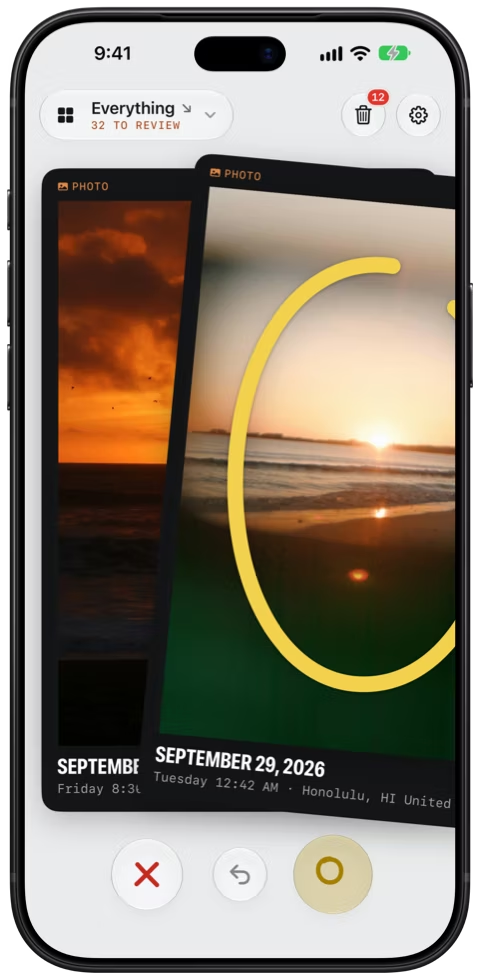
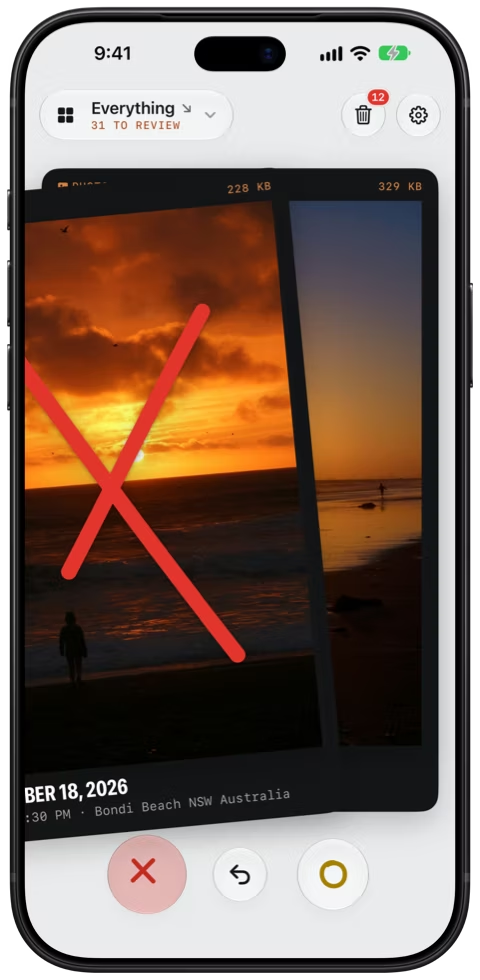
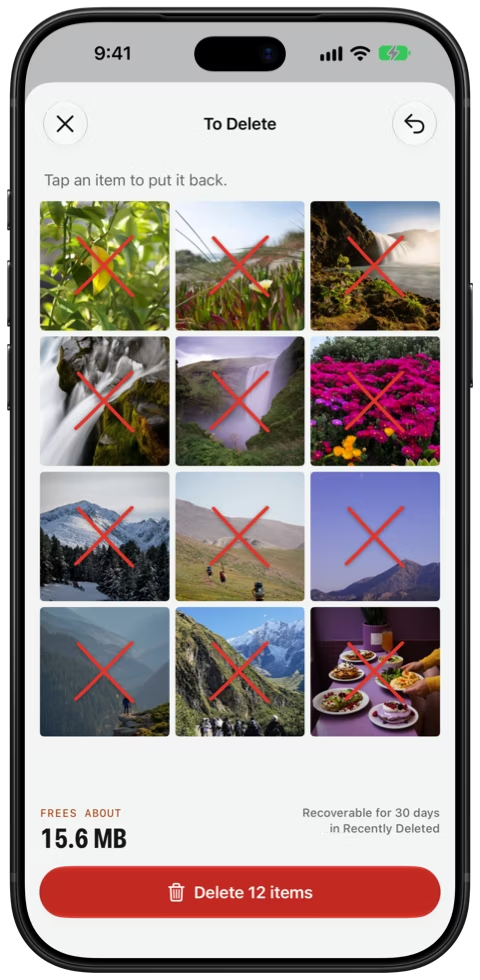
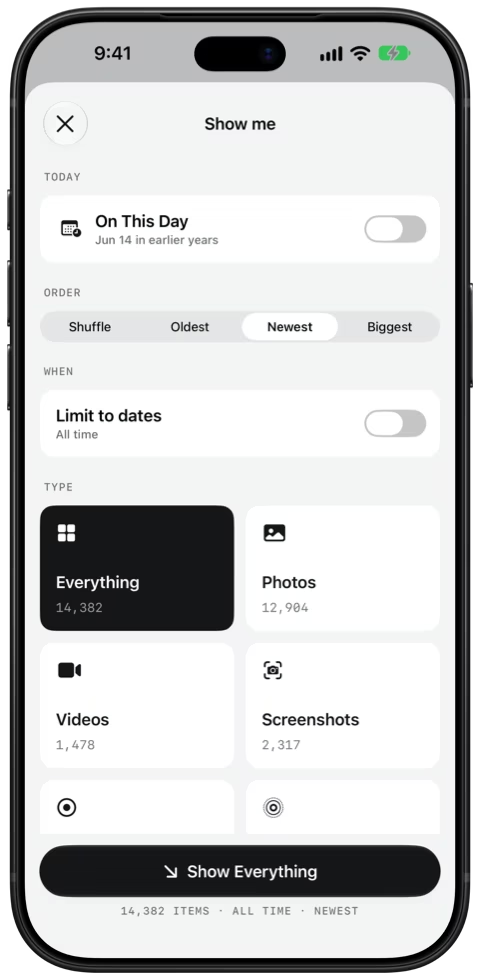
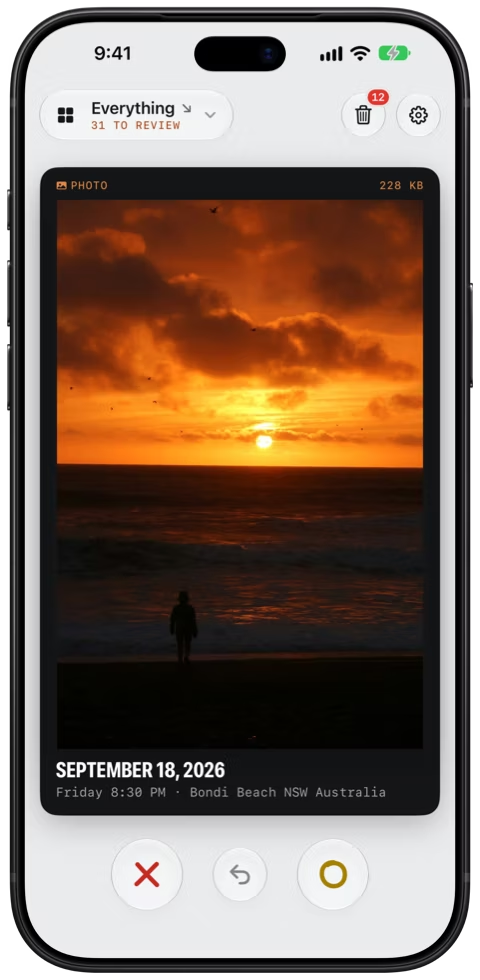
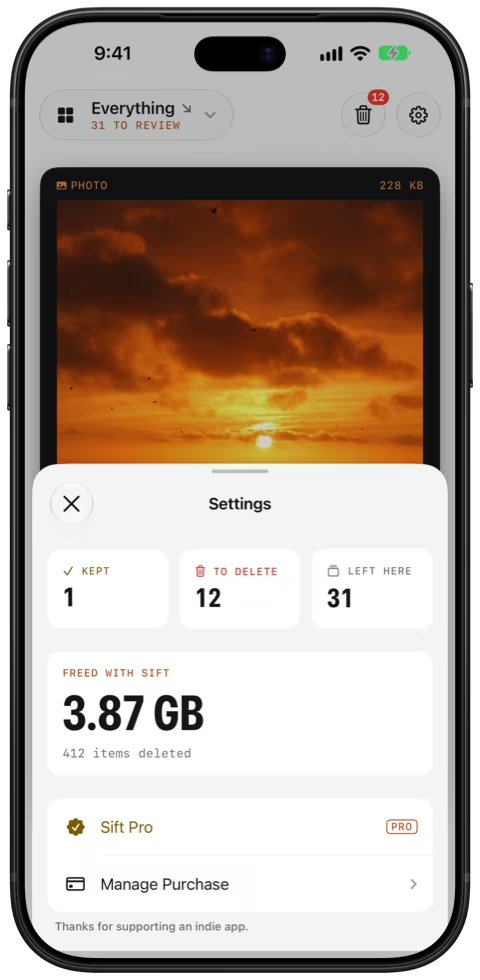
iPhone Duo, open
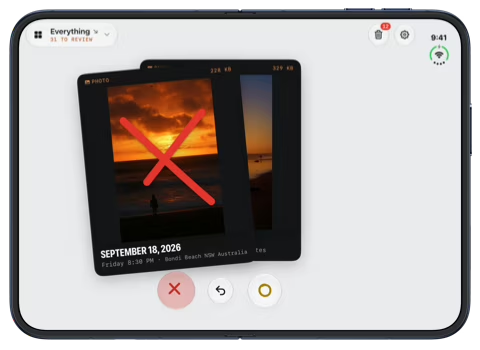
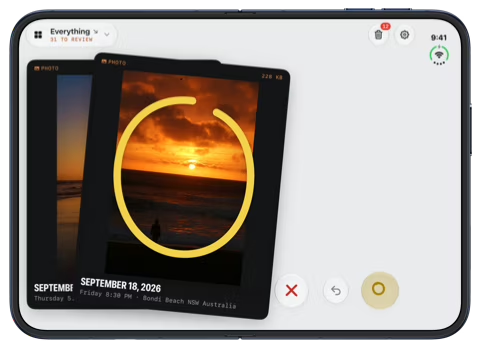
iPhone Duo, closed
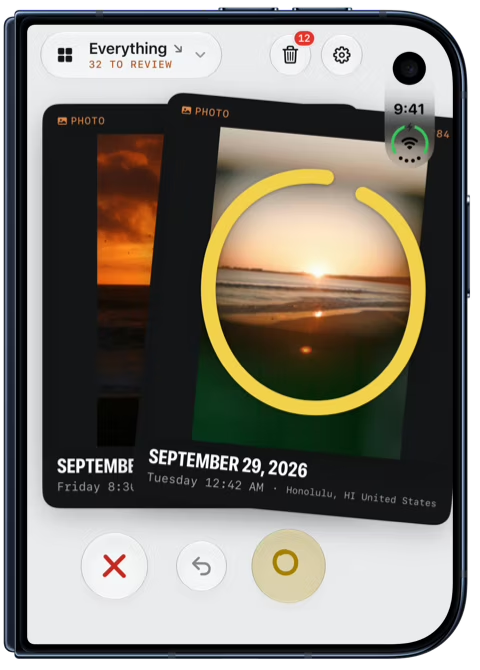
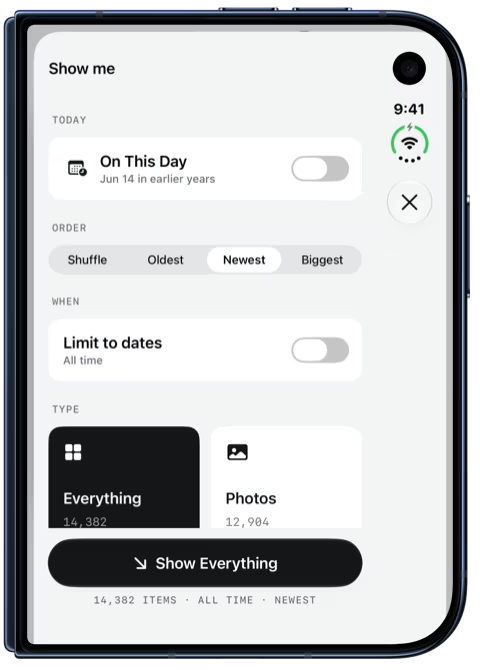
- Screenshots (framed) ZIP, 13.9 MB
- Screenshots (unframed) ZIP, 17.8 MB
- App icon ZIP, 378 KB
Version 1.2.0, updated November 15, 2026.
▸ 05
Usage
These assets may be used in coverage of Sift. The device frames are Apple's.